

Scrape a page, then screenshot its links
vision returns the demo board's links; render captures each linked page in a styled browser frame. One key, two products, no glue service.
One scrape gives you the page as Markdown and every link on it. Pass the links you want to render and you get a styled screenshot of each, framed and on a background, ready for a changelog, a docs page or a review. Both calls take the same key; nothing runs between them but your loop.
Verified 2026-11-01: this recipe's last run passed against https://beta-api.b3os.org, label live-recorded (recorded from production), from commit 771a9508. The recipe harness runs it again, and a failed run takes this page out of the cookbook.
Run it
bashSTART=https://beta.b3os.org/demo/curl -s https://beta-api.b3os.org/v1/vision/scrape \ -H "Authorization: Bearer $B3OS_API_KEY" \ -H "Content-Type: application/json" \ -d '{"url": "https://beta.b3os.org/demo/", "formats": ["markdown", "links"]}' \ | jq -r --arg s "$START" '.links[] | select(startswith($s) and . != $s)' | head -3 > pages.txtwhile read -r url; do jq -n --arg url "$url" '{url: $url, viewport: {width: 1440, height: 900}, style: {background: "midnight", frame: "browser-dark"}, format: "webp"}' \ | curl -s https://beta-api.b3os.org/v1/render/screenshots \ -H "Authorization: Bearer $B3OS_API_KEY" \ -H "Content-Type: application/json" -d @- \ | jq -r '.artifacts[0].url'done < pages.txt
tsconst API = "https://beta-api.b3os.org";const START = "https://beta.b3os.org/demo/";const headers = { authorization: `Bearer ${process.env.B3OS_API_KEY}`, "content-type": "application/json" };const post = async (path: string, body: unknown): Promise<any> => (await fetch(`${API}${path}`, { method: "POST", headers, body: JSON.stringify(body) })).json();const page = await post("/v1/vision/scrape", { url: START, formats: ["markdown", "links"] });const pages = (page.links as string[]).filter((u) => u.startsWith(START) && u !== START).slice(0, 3);for (const url of pages) { const shot = await post("/v1/render/screenshots", { url, viewport: { width: 1440, height: 900 }, style: { background: "midnight", frame: "browser-dark" }, format: "webp", }); console.log(url, shot.artifacts[0].url);}
pythonimport osimport requestsAPI = "https://beta-api.b3os.org"START = "https://beta.b3os.org/demo/"s = requests.Session()s.headers["Authorization"] = f"Bearer {os.environ['B3OS_API_KEY']}"page = s.post(f"{API}/v1/vision/scrape", json={"url": START, "formats": ["markdown", "links"]}).json()pages = [u for u in page["links"] if u.startswith(START) and u != START][:3]for url in pages: shot = s.post(f"{API}/v1/render/screenshots", json={ "url": url, "viewport": {"width": 1440, "height": 900}, "style": {"background": "midnight", "frame": "browser-dark"}, "format": "webp", }).json() print(url, shot["artifacts"][0]["url"])
With the B3OS MCP server connected, ask your agent:
textScrape https://beta.b3os.org/demo/ for its links, then take a screenshot of up to three demo pages it links to,with the midnight background and the browser-dark frame.
The agent calls vision_scrape once and render_screenshot once per page.
The recipe's run.mjs is the same flow with checks. Each screenshot URL is signed and stops working at its
url_expires_at; see render limits for what else a screenshot is held to.
Owner: Docs. Products: Docs, Vision, Render.
Output of the last green run
bash$ node run.mjs# exit 0
json{ "scrape_status": 200, "markdown_chars": 1038, "demo_links": 4, "pages": [ "/demo/billing/", "/demo/pricing/", "/demo/slow/" ], "screenshots": 3, "all_succeeded": true, "content_type": "image/webp", "smallest_bytes": 29368, "scrape_ms": 893.8, "slowest_screenshot_ms": 2163.7, "images": [ "https://beta.b3os.org/gallery/recipes/scrape-to-screenshots/96a5f2a383c16f06.webp", "https://beta.b3os.org/gallery/recipes/scrape-to-screenshots/397948ca0889a48d.webp", "https://beta.b3os.org/gallery/recipes/scrape-to-screenshots/78780b5e381d0b38.webp" ]}
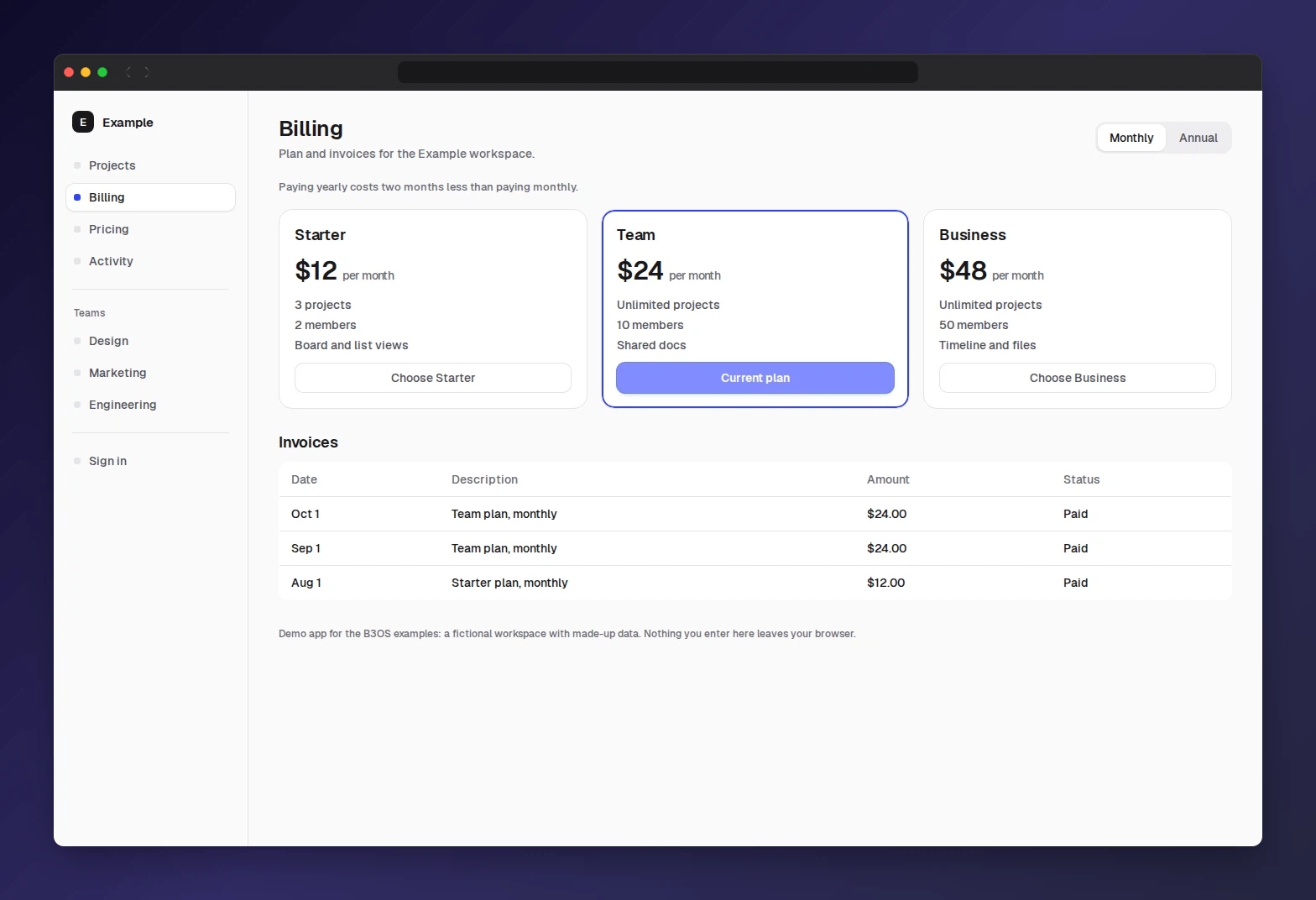
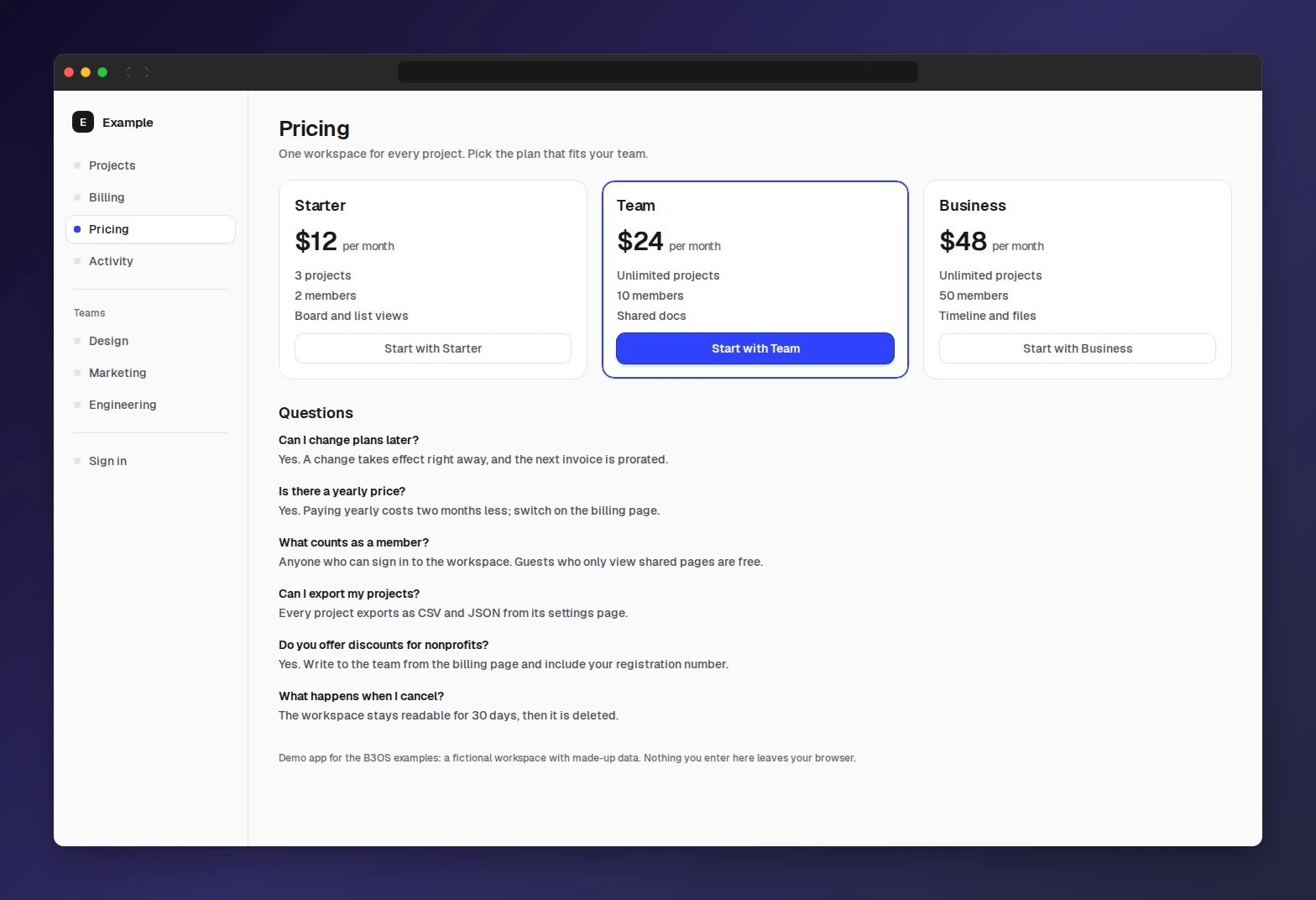
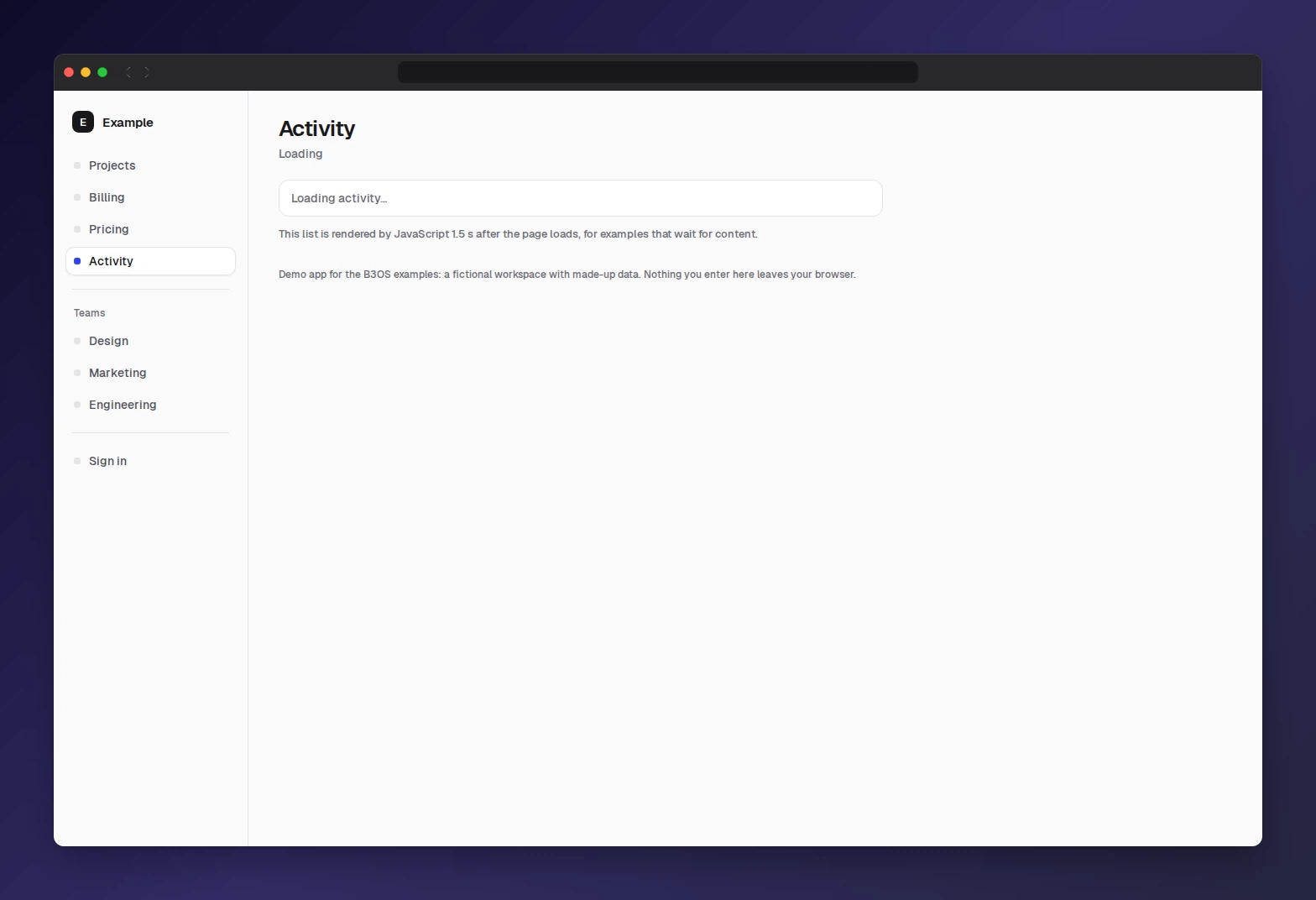
The outputs this recipe publishes (its recipe.json publish.outputs), with workspace identifiers redacted. The run's stdout, stderr and other outputs are not published.
Captured 2026-11-01 from commit
771a9508
, label
live-recorded
(recorded from production). Case
recipes/scrape-to-screenshots
.