

Styles and captions
The style presets and overrides that frame screenshots and videos, the colors they take, and how render times and draws word-level captions.
Screenshots, videos and restyles take the same style object: one preset for each of five parts, plus overrides for anything a preset does not set.
json{ "style": { "background": "midnight", "frame": "browser-dark", "cursor": "arrow", "captions": "default", "click_effect": "ripple", "overrides": { "padding": 48, "corner_radius": 16, "shadow": "float" } }}
Every field is optional. A screenshot request without style is a plain screenshot: the capture as the page painted it. A style object, even {}, gets the B3OS look for whatever it leaves out: an auto background, no frame, padding 64, corner radius 12 and a soft shadow.
Presets
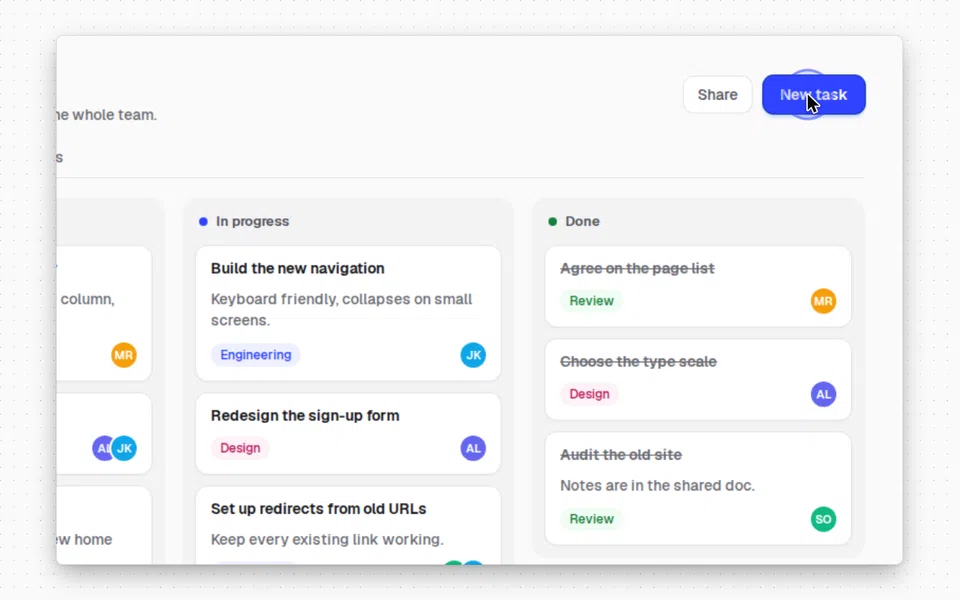
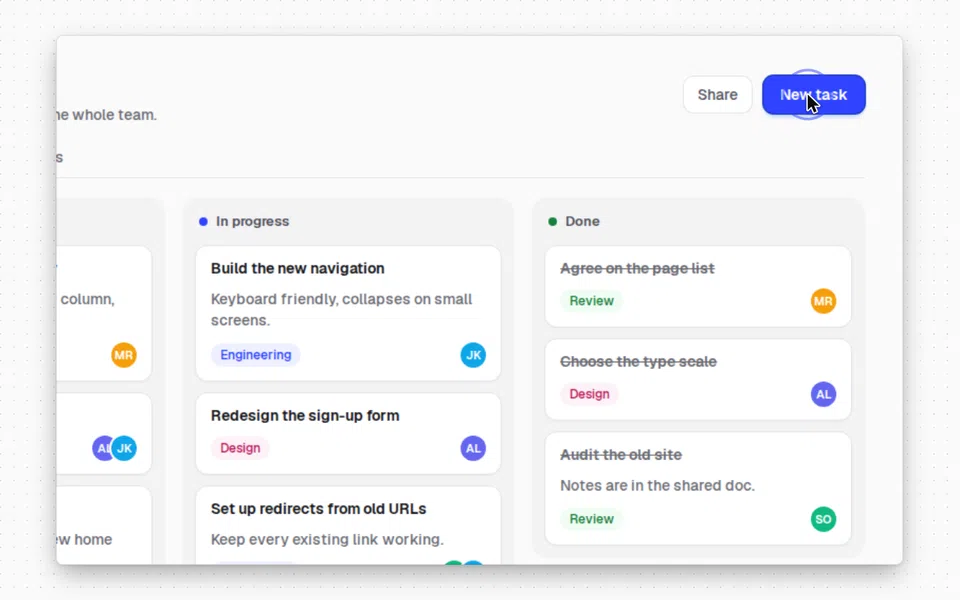
GET /v1/render/presets lists every preset with a preview image, and ?kind=background narrows it to one kind. A style that leaves a part out gets auto for the background, none for the frame, arrow for the cursor, default for captions and ripple for the click effect. Preset IDs are unique across kinds, so a frame name never works as a cursor.
| Part | Presets, each linked to its preview |
|---|---|
background | b3os-light, b3os-dark, b3os-blue, midnight, aurora, sunset, ocean, arctic, dusk, forest, ember, graphite, paper |
frame | mac, mac-dark, browser, browser-dark, windows, windows-dark, phone, tablet |
cursor | arrow, arrow-light, dot |
captions | default, bold, minimal, light |
click_effect | ripple, ring |
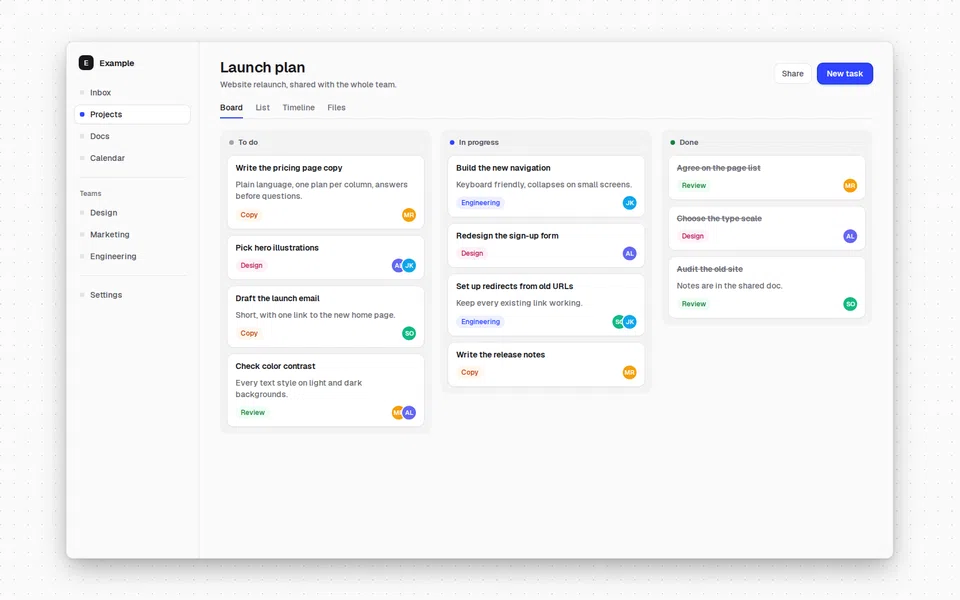
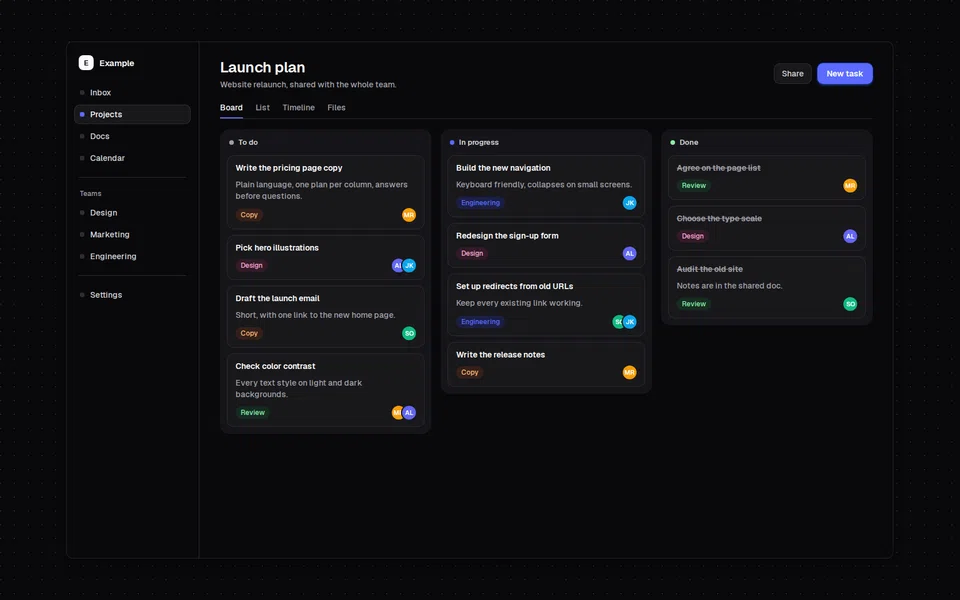
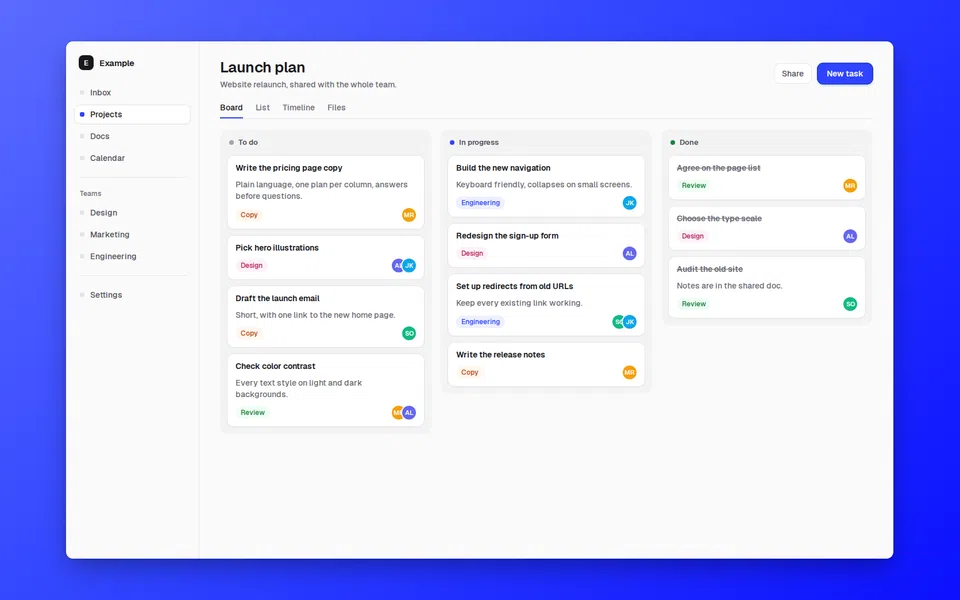
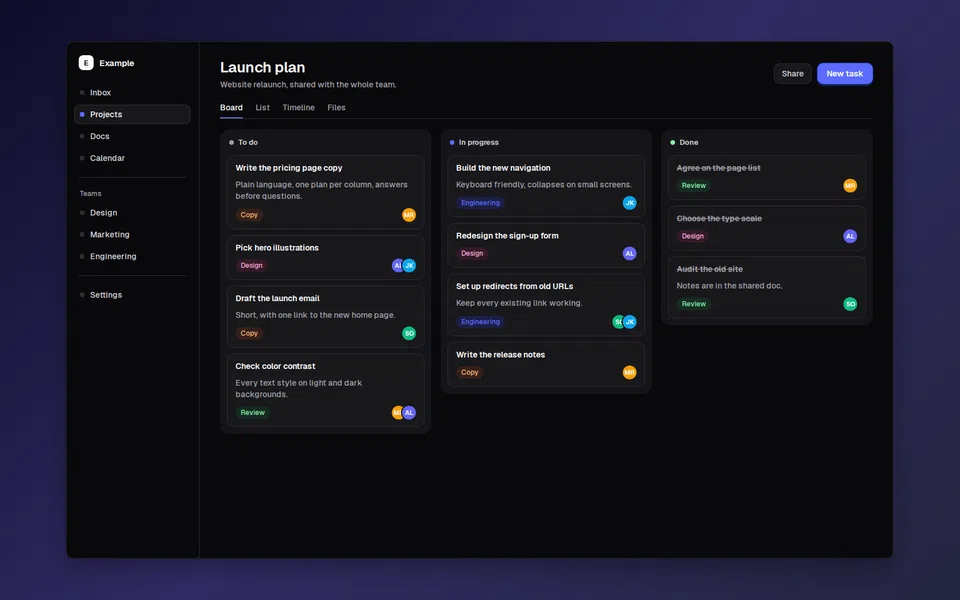
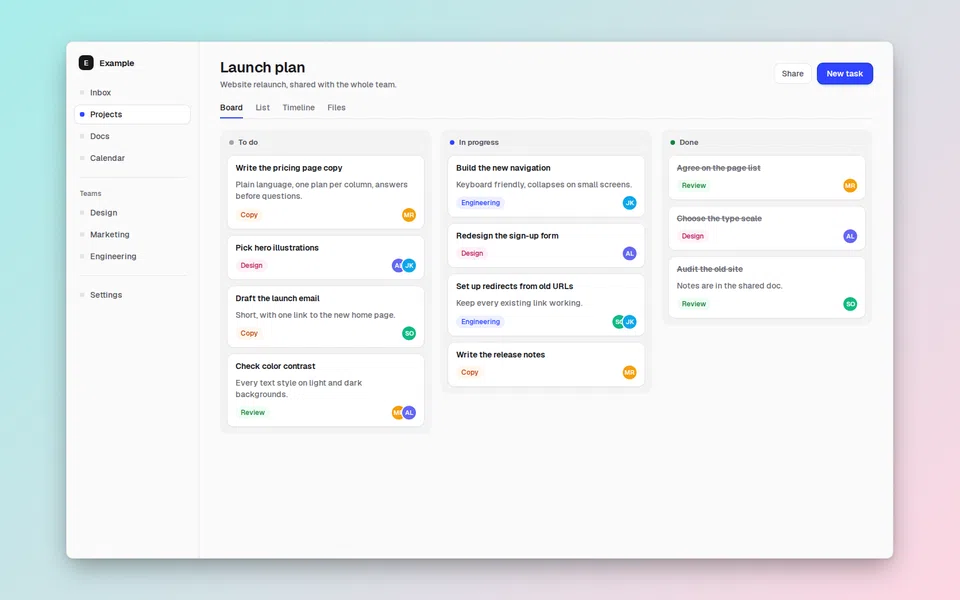
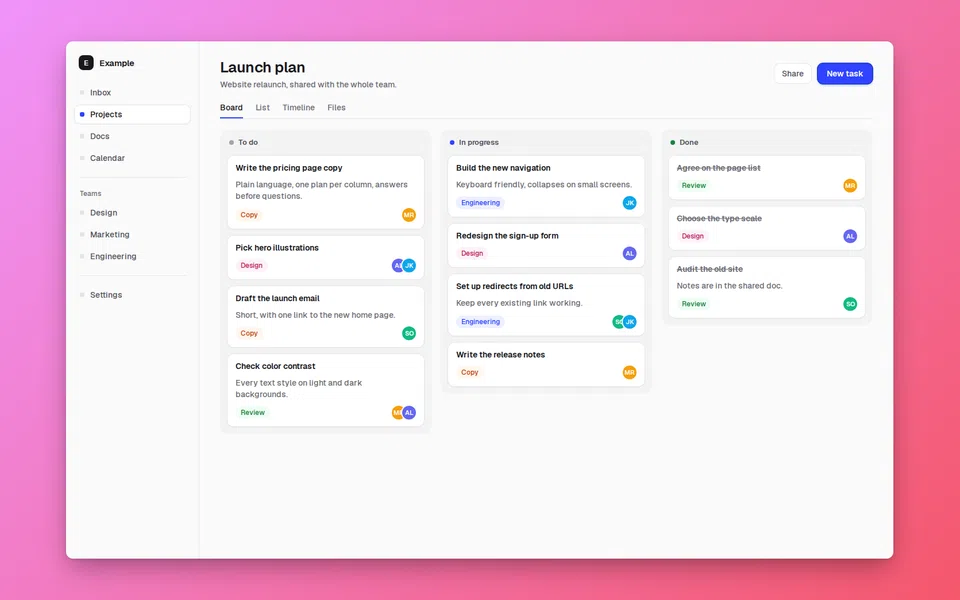
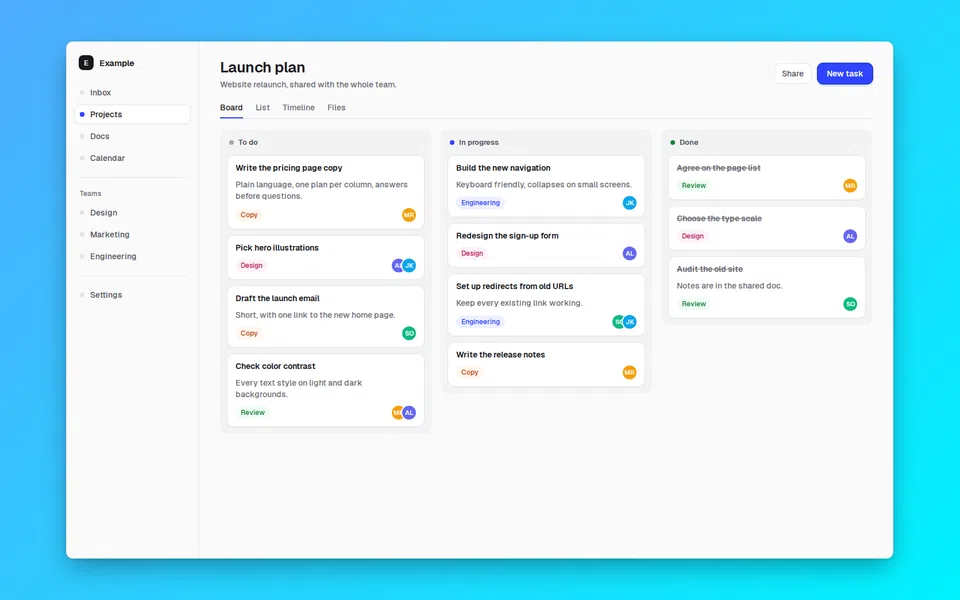
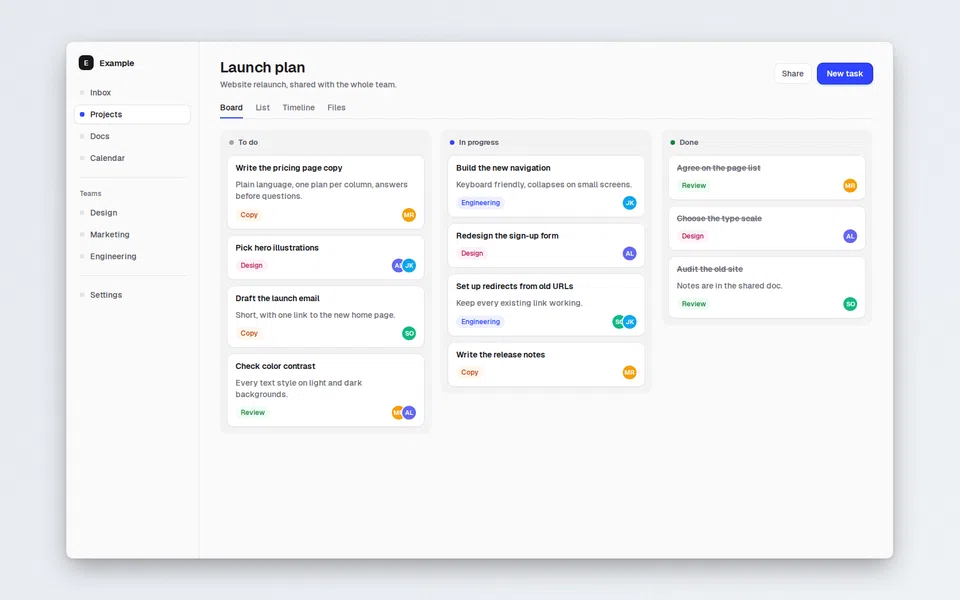
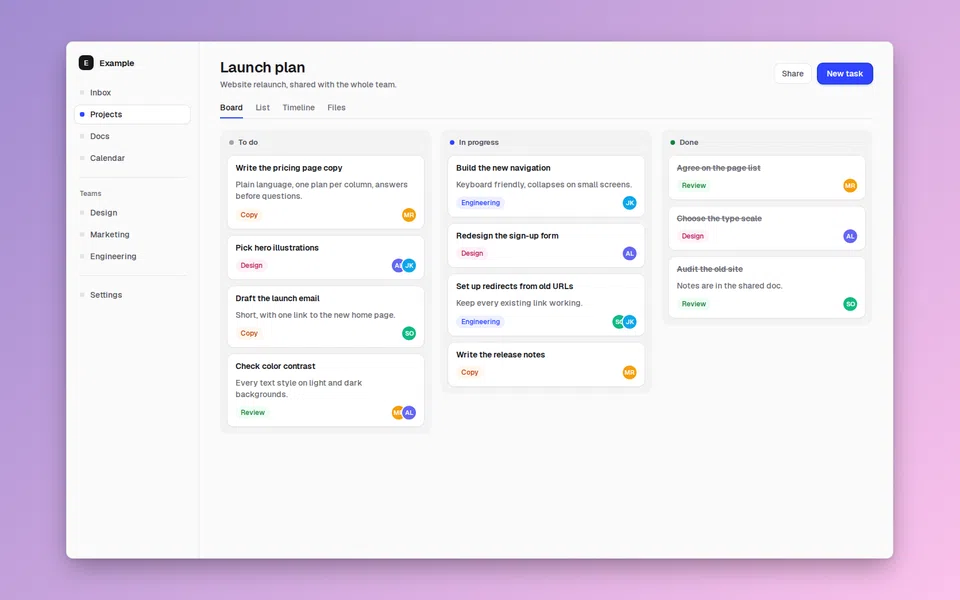
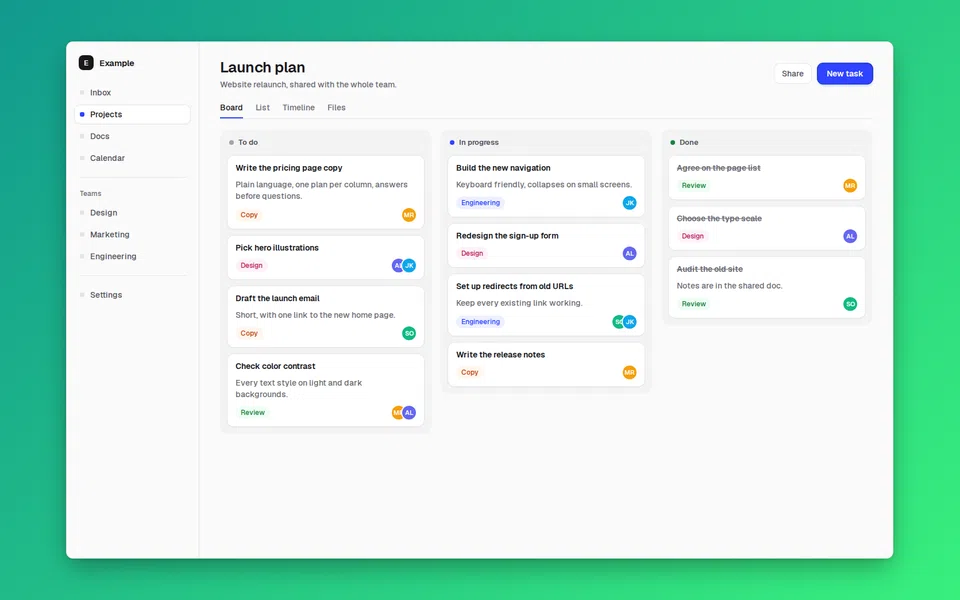
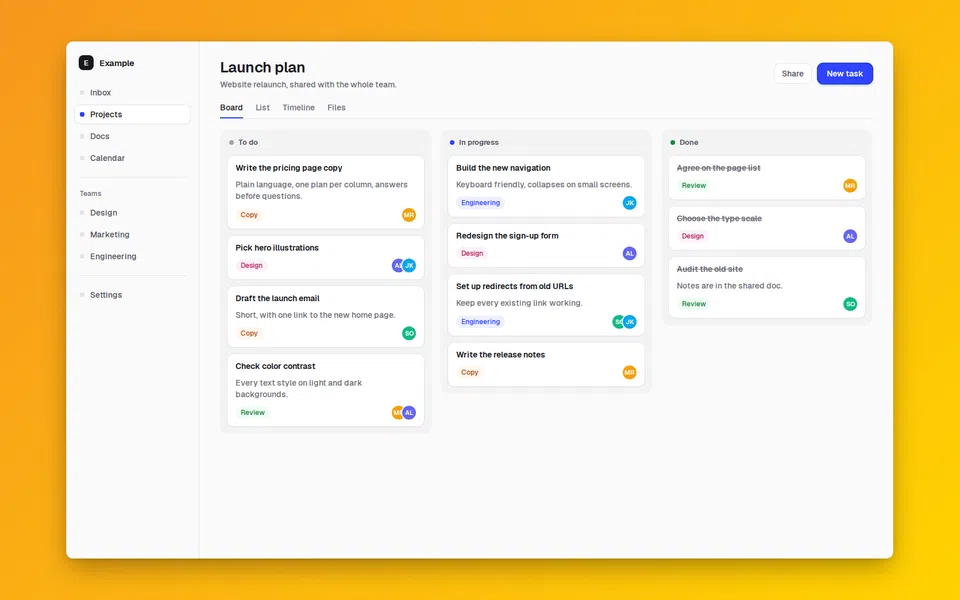
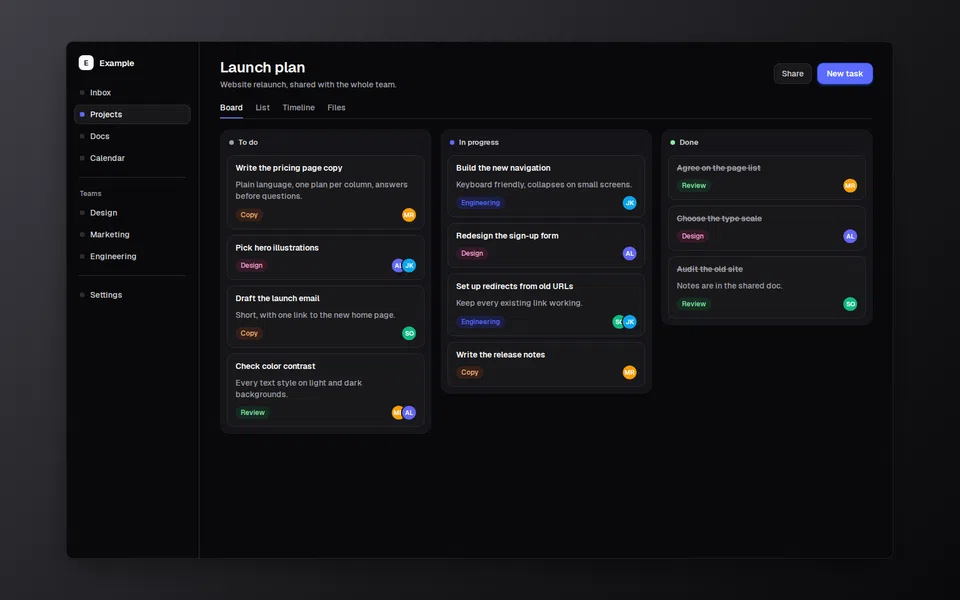
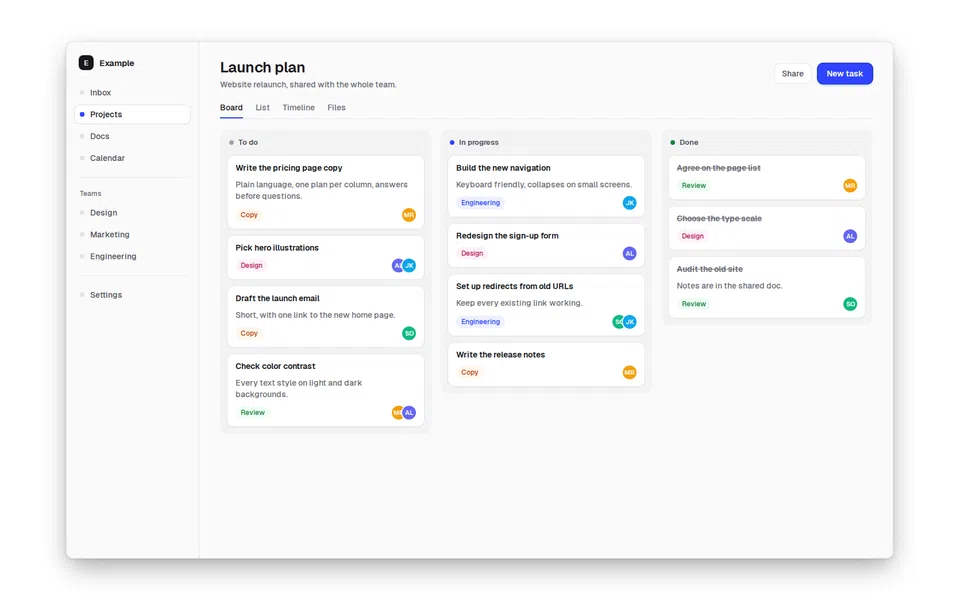
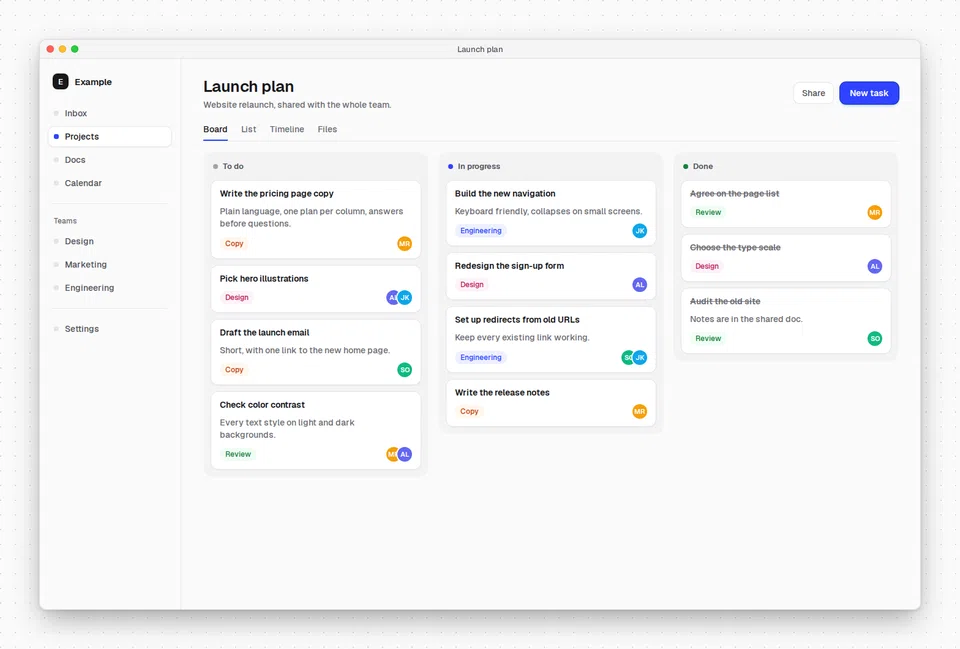
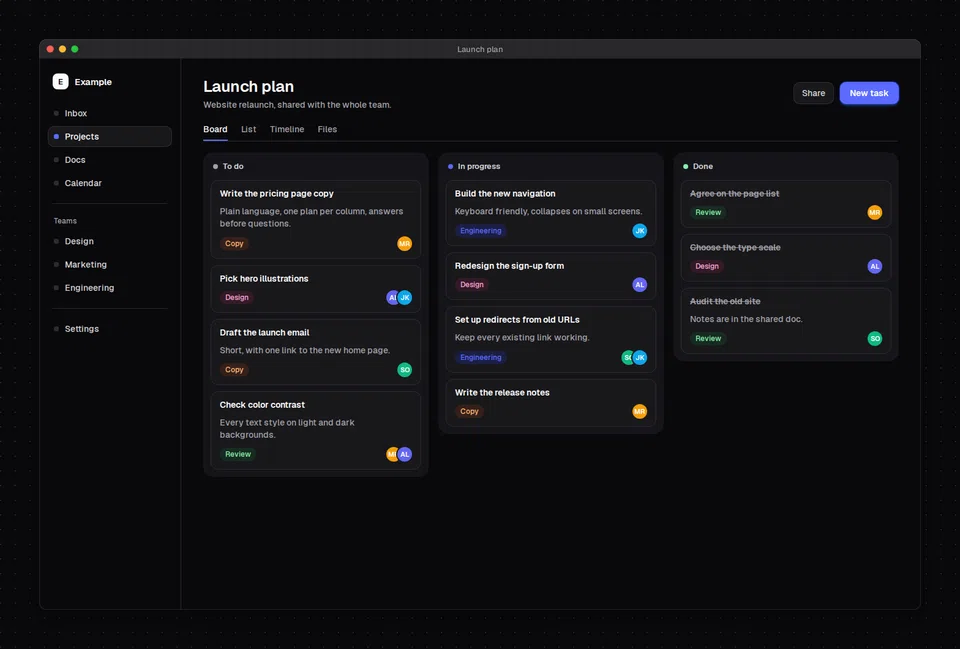
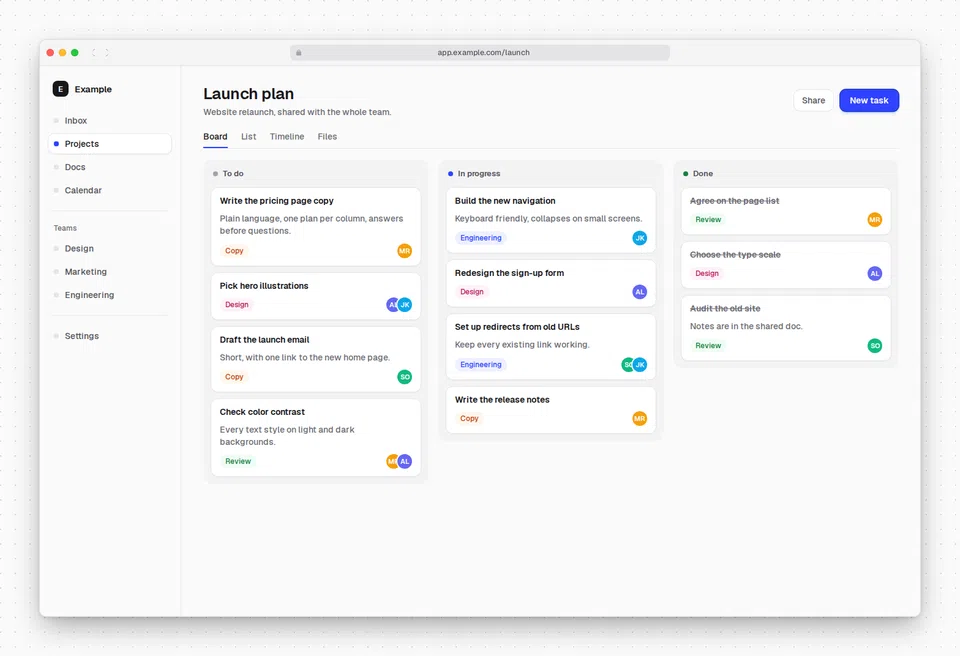
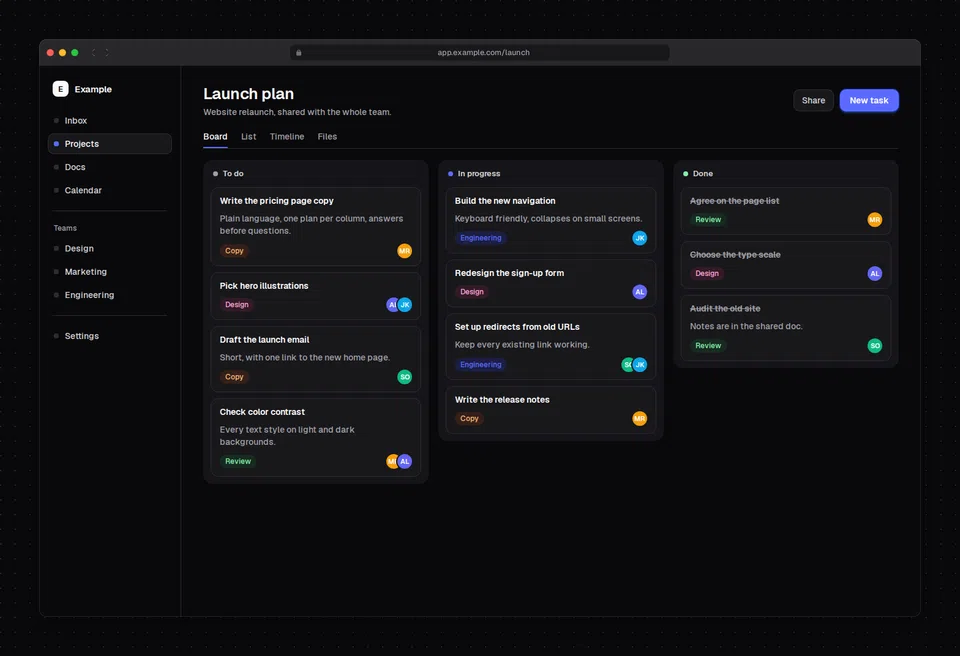
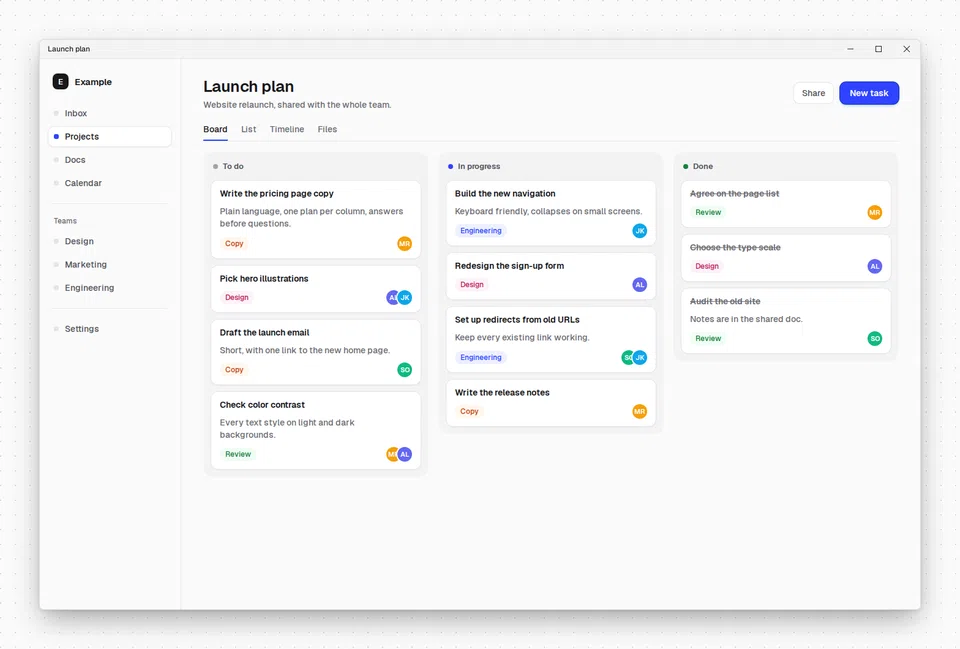
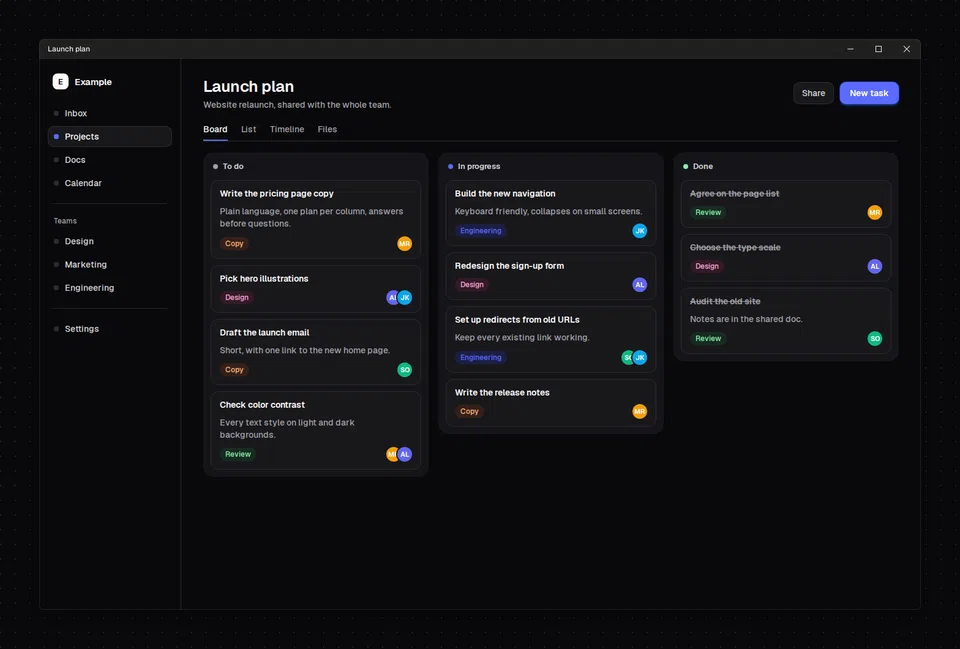
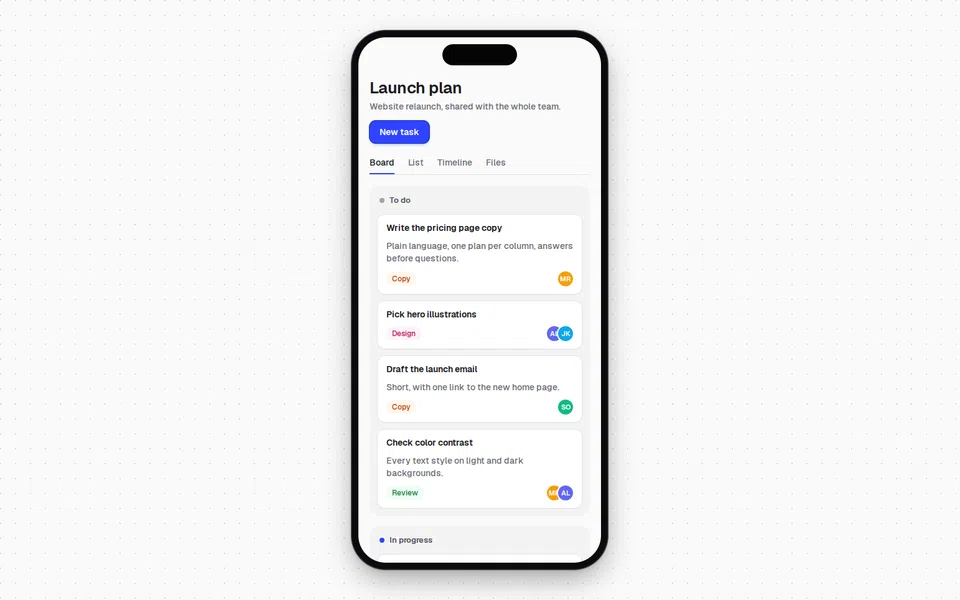
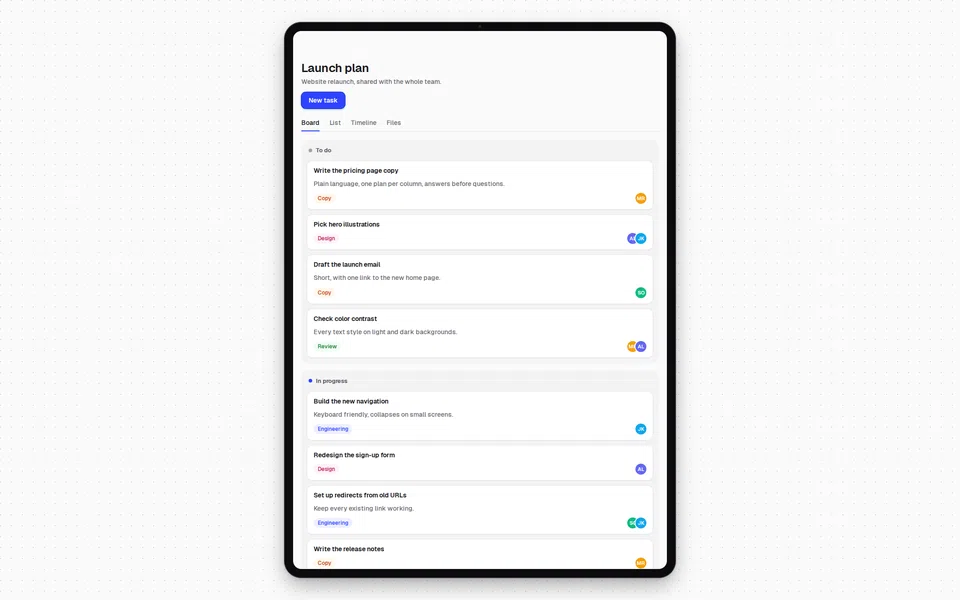
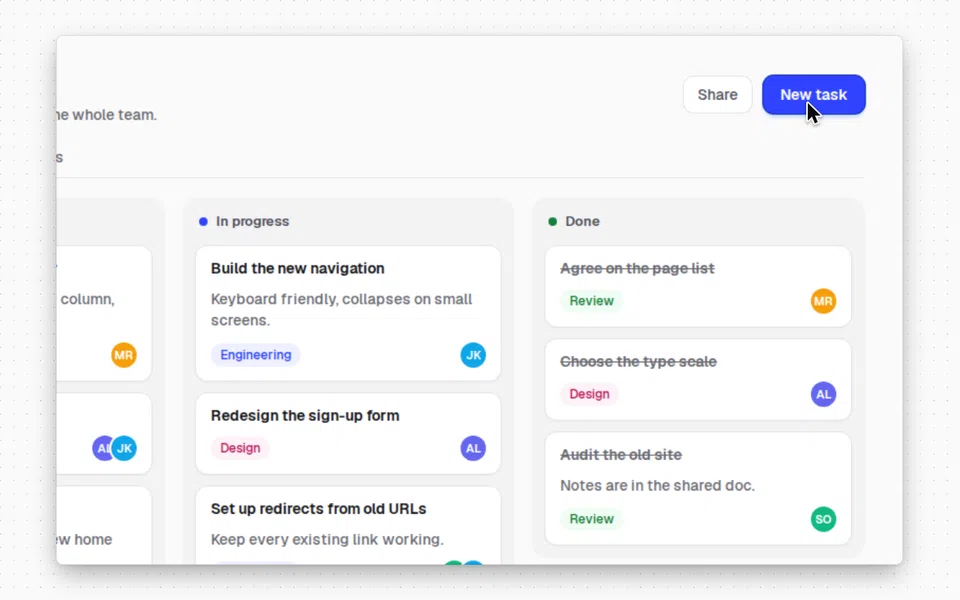
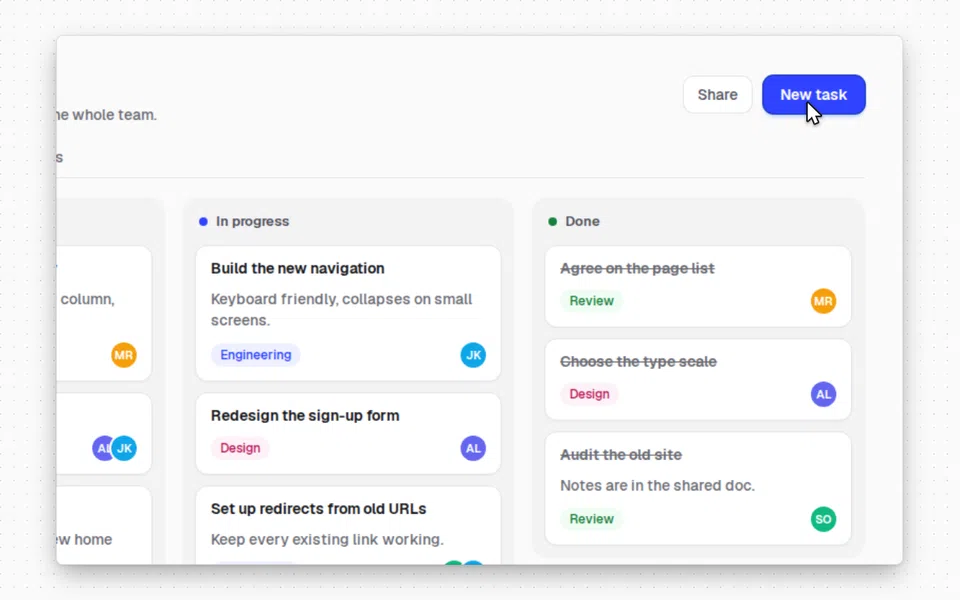
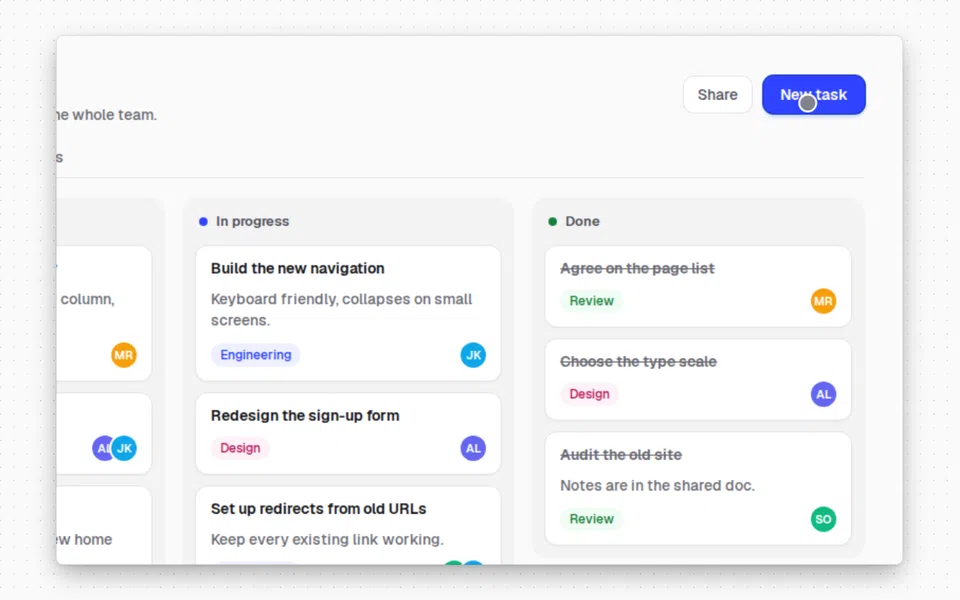
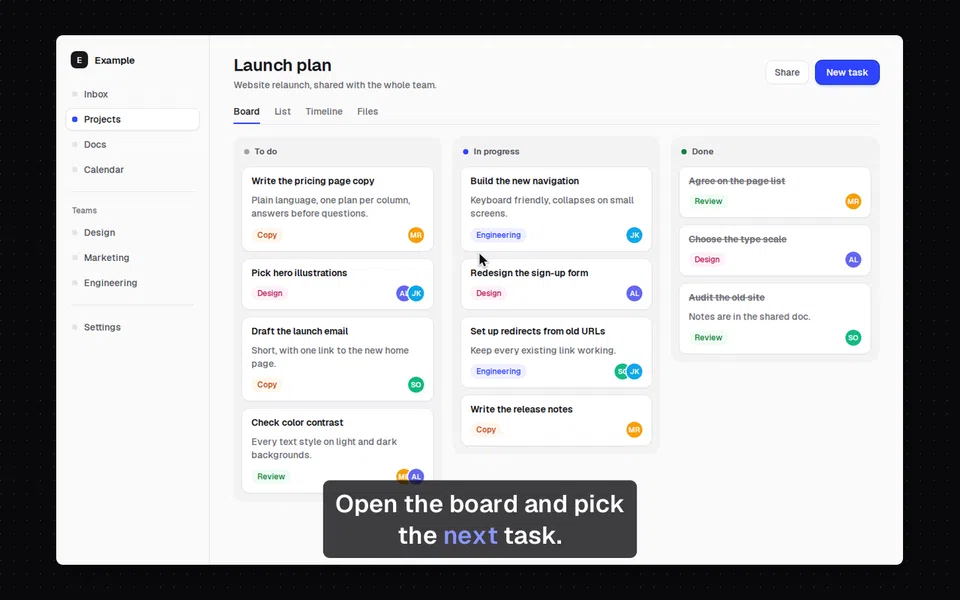
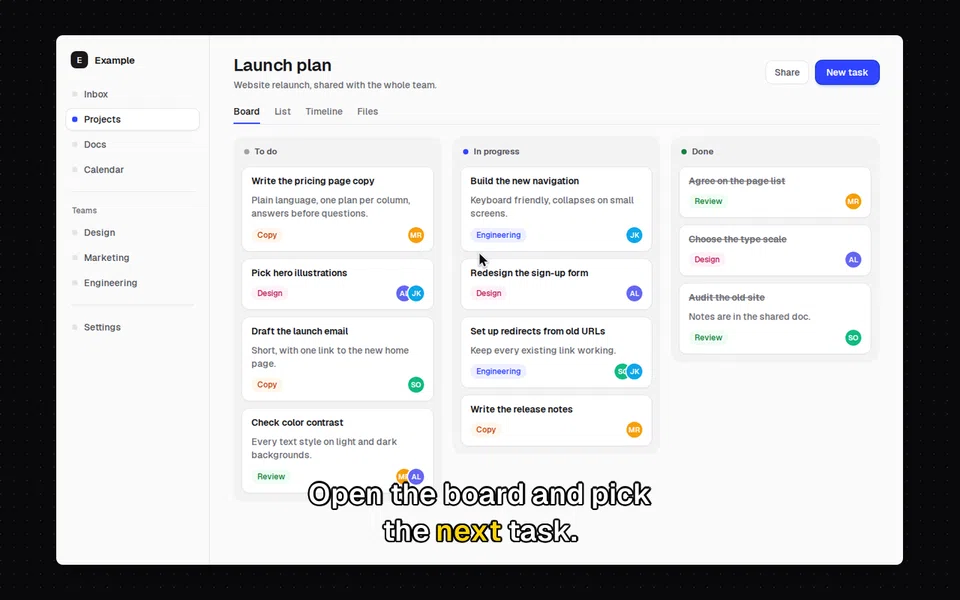
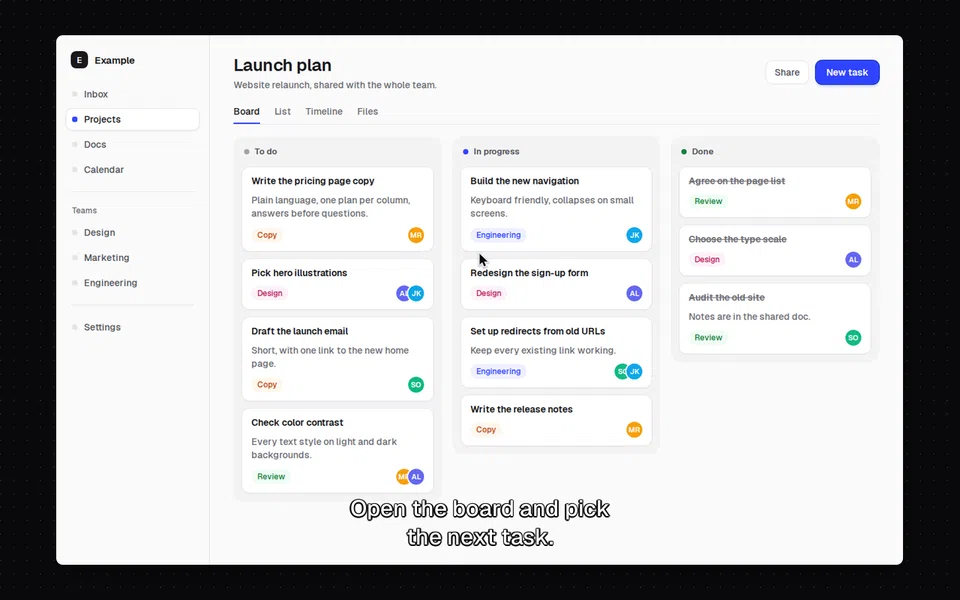
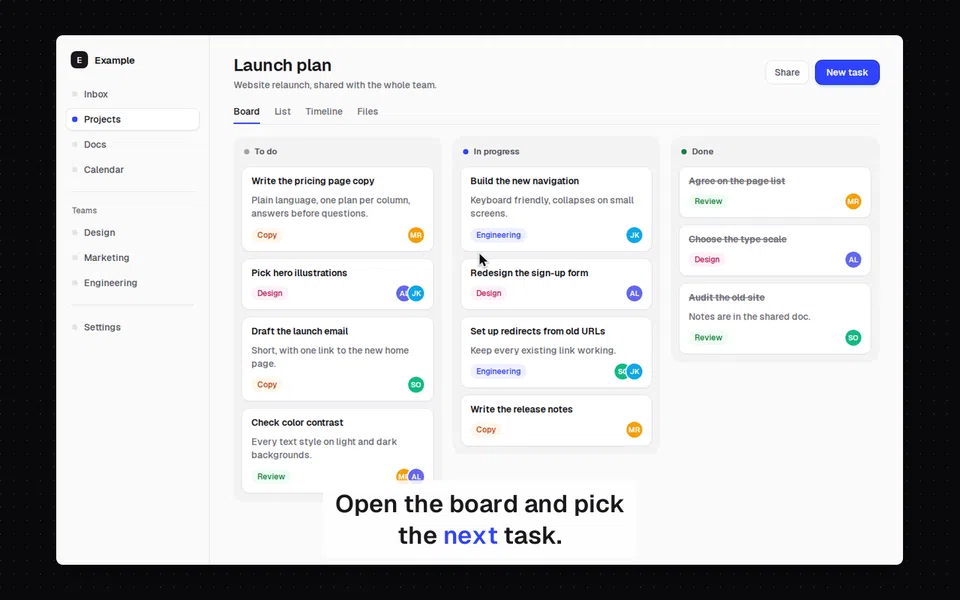
Three values are not presets and have no preview: none (any part: draw nothing, so captions: "none" drops burned-in captions on a restyle), and auto and transparent for background. auto picks b3os-light or b3os-dark from how light the page is; transparent leaves the background transparent in PNG and WebP output, and JPEG fills it with the matte color.
Overrides
overrides is a closed set of keys; anything else is refused. Lengths are CSS pixels, scaled with the capture's device pixel ratio for screenshots and with the output size for videos.
| Key | Value |
|---|---|
padding | A number from 0 to 400, or {x, y} |
corner_radius | 0 to 64 |
shadow | none, soft, float, hard or glow; or {x, y, blur, spread, color}; or a list of up to 4 of those |
border | none, or {width, color} with a width from 0 to 16; by default a hairline matched to the background |
background_color | A color, for a solid background |
background_gradient | {angle, stops} for a linear gradient, or {kind: "radial", stops}; stops are colors or {color, at} |
aspect_ratio | auto, 16:9, 16:10, 4:3, 3:2, 1:1, 4:5, 3:4, 9:16 or 21:9; a screenshot's canvas grows to it |
canvas | {width, height}, a fixed screenshot size from 16 to 7680 a side; the page is fitted by fit |
fit | contain (the default) or cover, which fills the width and crops the bottom |
frame_title, frame_url | Text for the window's title bar and address pill, up to 200 characters, drawn by the compositor and never parsed as HTML |
theme | light or dark: flips the frame and the auto background |
cursor_size, cursor_zoom | A scale from 0.5 to 3 (1 by default); cursor_zoom: false keeps the cursor's size while the camera zooms |
click_color, click_duration_ms | The click effect's color, and how long it lasts: 100 to 2000 ms, 450 ms by default |
caption_size, caption_color, caption_highlight, caption_background, caption_position | Caption text size in pixels at 1080p (12 to 120, 44 by default), colors, and bottom or top |
motion_blur | Smear the cursor while it moves; on by default |
matte | The color behind transparent pixels when the output is JPEG; white by default |
Colors are written #rgb, #rgba, #rrggbb, #rrggbbaa, rgb(r,g,b), rgba(r,g,b,a), rgb(r g b / a), or the names white, black and transparent.
A style that does not validate is refused with 422 style_invalid, and errors[] lists every problem at once, each with a pointer such as /style/overrides/padding/x, so one fix-and-retry covers them all. Style values are drawn by the compositor in Rust and escaped before they reach any HTML or CSS.
Captions
A video's captions decides how the narration appears on screen:
| Field | Meaning |
|---|---|
burn_in | none (only the caption files), static (draw each cue) or karaoke (draw each cue and highlight the word being spoken, held through pauses) |
sidecars | Caption files to produce: vtt, srt or both |
max_chars_per_line, max_lines, max_chars_per_second | Line limits: 42 characters, 2 lines and 20 characters per second by default |
The timing comes from the speech model's word timestamps, so each cue starts on its first word. Cues follow the usual subtitle rules for English: one sentence per cue, at most 7 seconds on screen, a pause of 700 ms or more ends a cue, and a cue that would be read too fast stretches into the silence after it. Lines break after punctuation and before conjunctions and prepositions, never after an article or inside a name, and a two-line cue keeps the longer line at the bottom. The look comes from the captions preset and the caption_* overrides.
Restyling a video can change the caption preset, the overrides and the line limits without recording again; see restyle a video.
Voices
Narration uses the node's speech model. GET /v1/infer/audio/voices lists the voices, each with a sample_url you can play before you choose; see speech.